Ship fast. Don't leak.
Safety guardrails for AI-assisted coding when you're non-technical
One file. No setup. Forces secure defaults and explains decisions in plain English. Works with any language and framework.
Drag into Cursor, or paste into v0, Lovable, Replit, or any AI coding tool.
Who this is for
- Non-technical Founders building MVPs with AI
- Non-technical Designers using AI to build Proof of Concepts
- Non-technical solo builders using AI to build MVPs
- Indie hackers prototyping fast with AI
Why it matters
Non-technical builders ship fast with AI, but often don't know what a secret is, why API keys must stay server-side, or why hardcoding is risky.
They ship, and they leak.
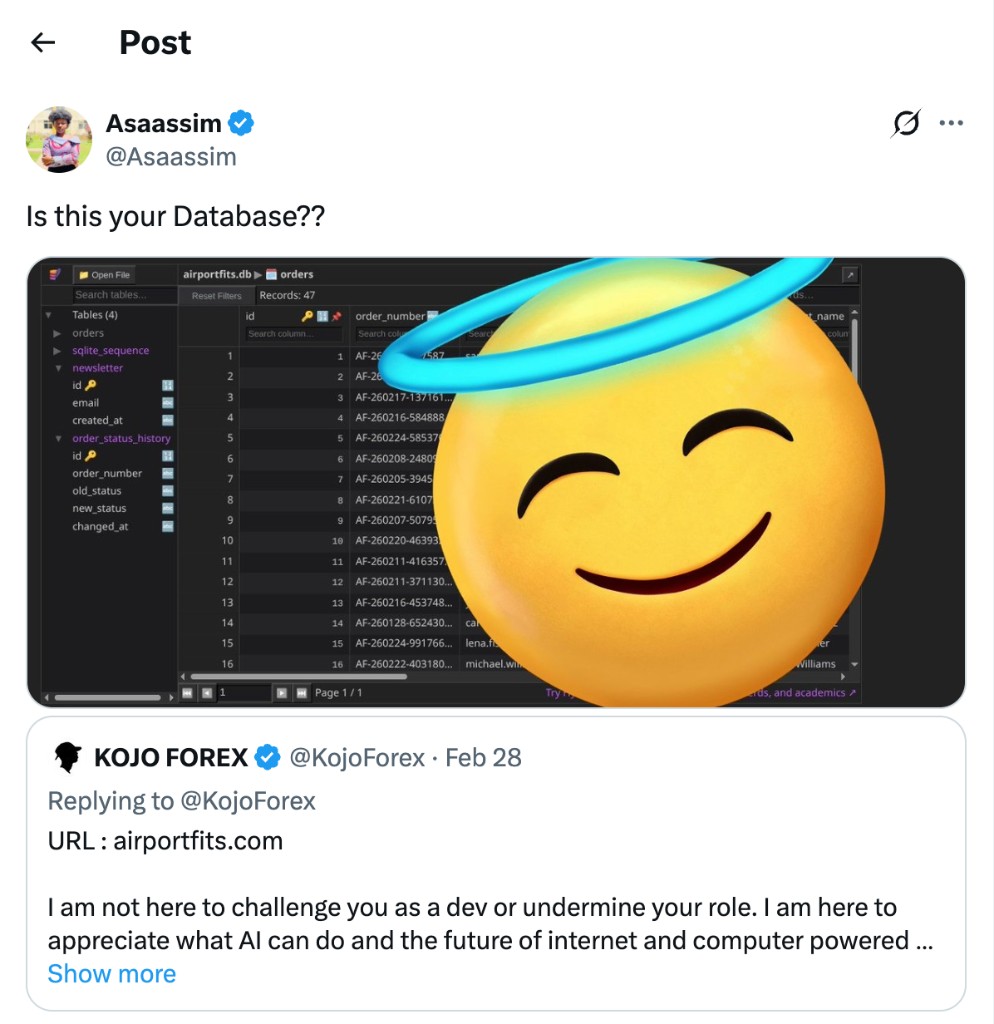
AI puts your API key directly in browser code. Anyone can open DevTools and steal it.
AI keeps the key on the server, creates a secure route, and explains why it did that.
VibeSafe doesn't block the AI, it corrects unsafe patterns and explains why in simple English.
What's in the file
- Core behavior - Assume non-technical user; safe defaults; correct don't refuse; think ahead before APIs/DB/auth/payments.
- Secrets - No hardcoded keys; env vars; backend proxy for client; placeholder keys only in examples.
- Frontend-backend - No credentials or admin SDKs in client; sensitive logic on server only.
- Validation - Basic input validation, safe error handling, no internal details to client.
- Final safety check - Before responding: secrets exposed? privileged logic in client? Refactor if not.
How to use
Download vibesafe.skill.md, then drag and drop it into
your platform. No pasting required.
-
Cursor - Drag the file into your project's
.cursor/skills/. - v0 / Lovable / Replit - Drag and drop the file into the place where you add instructions or rules.
- ChatGPT or other - Drag the file into the chat or upload it where system instructions are set.